


Experience Manager enables addition of a sub-swimlane under any main swimlane.
To add a SubSwimlane:
Click on Experience Manager from Experience main menu in the Synamedia Business Operations Console main landing page.
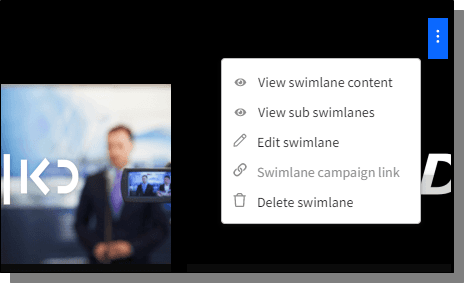
In the Graphical view, mouse-hover on the swimlane, click towards the top right corner and choose View Sub Swimlane.

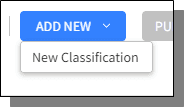
On the top right corner of the screen, click Add New > New Classification.
A Setup screen is displayed. The instructions are similar to the Setup screen instructions while adding a new Swimlane.
Adding new Sub Swimlane has three important steps:

