


Select from the available list of the Application Types to provide to the customers. You may add the same application type multiple times based on your product needs and the countries in which you want to allow broadcasting.
To add application type from the list , do the following:
From the left navigation pane of Synamedia Next-Gen Business Operations Console landing page, select System Configuration > Setup.
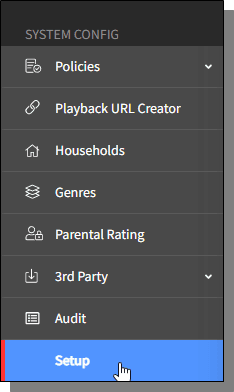
The Setup homescreen is displayed.
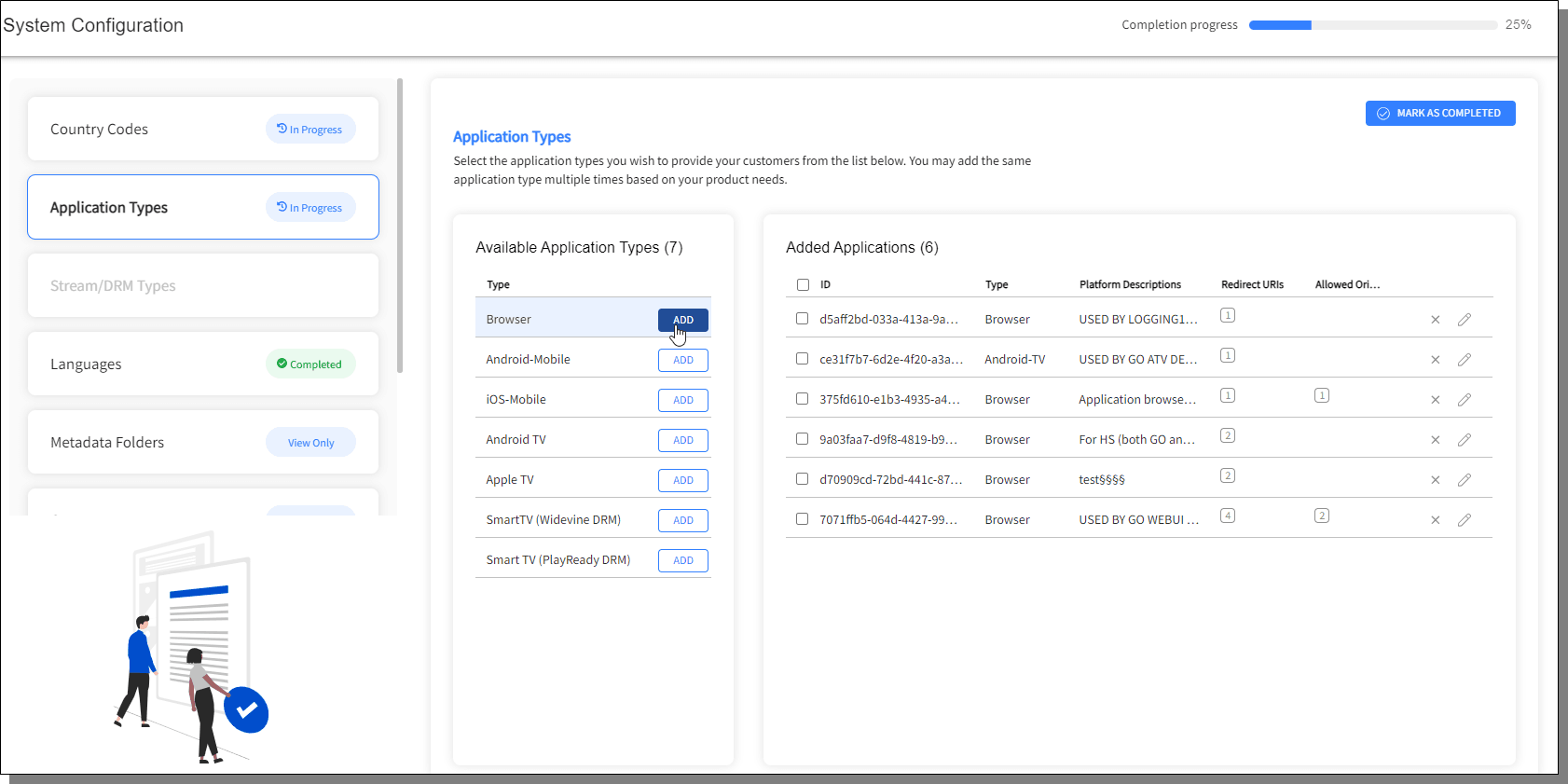
From the left pane, select Application Types, available Application Types list is displayed. The right pane displays the list of added applications.
The "Mark as Completed/ Mark as in Progress" toggle button on the right-top corner of the screen labels the Application Types in the left pane as "Completed/ In Progress" respectively.
From the available Application Types list, click Add to add the selected Application Type.
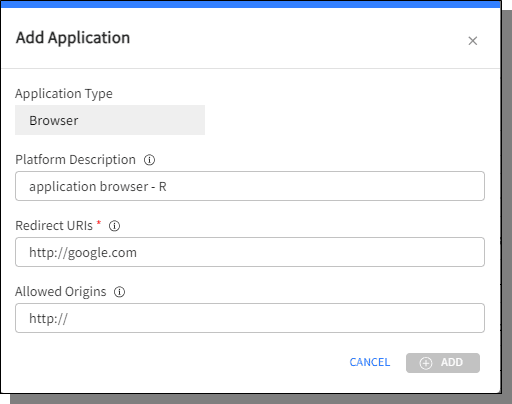
Enter the details and click Add.

