


Select from the available list of the Languages to provide to the customers.
To add the languages, do the following:
From the left navigation pane of Synamedia Next-Gen Business Operations Console landing page, select System Configuration > Setup.
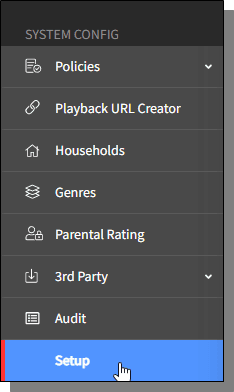
The Setup homescreen is displayed.
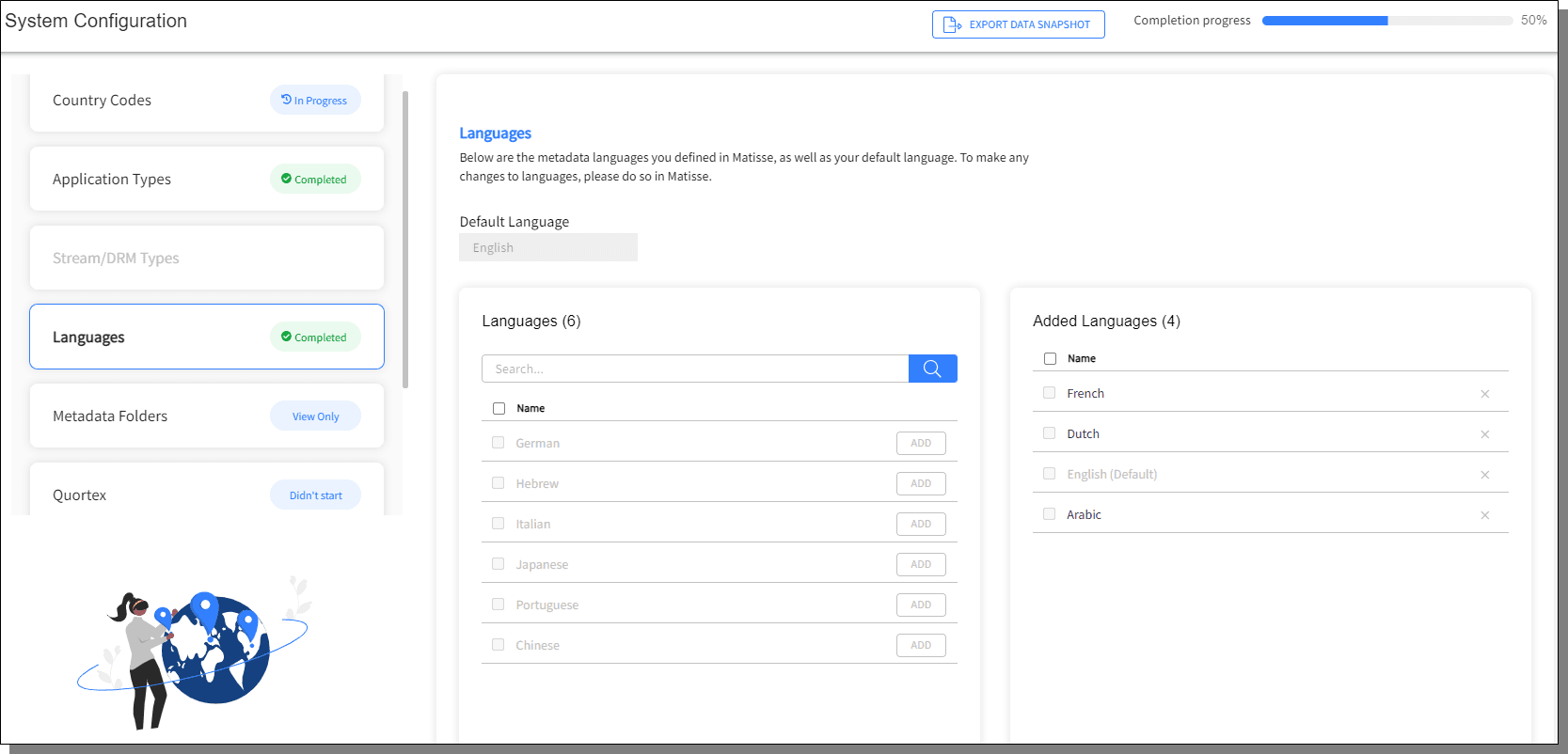
From the left pane, select Languages, the list of the available languages is listed. The right pane displays the list of added languages.
In the search field, enter the language you are adding and press the search icon.
Press Add, the added language will be displayed in the right pane.

