


To create a new Token, do the following:
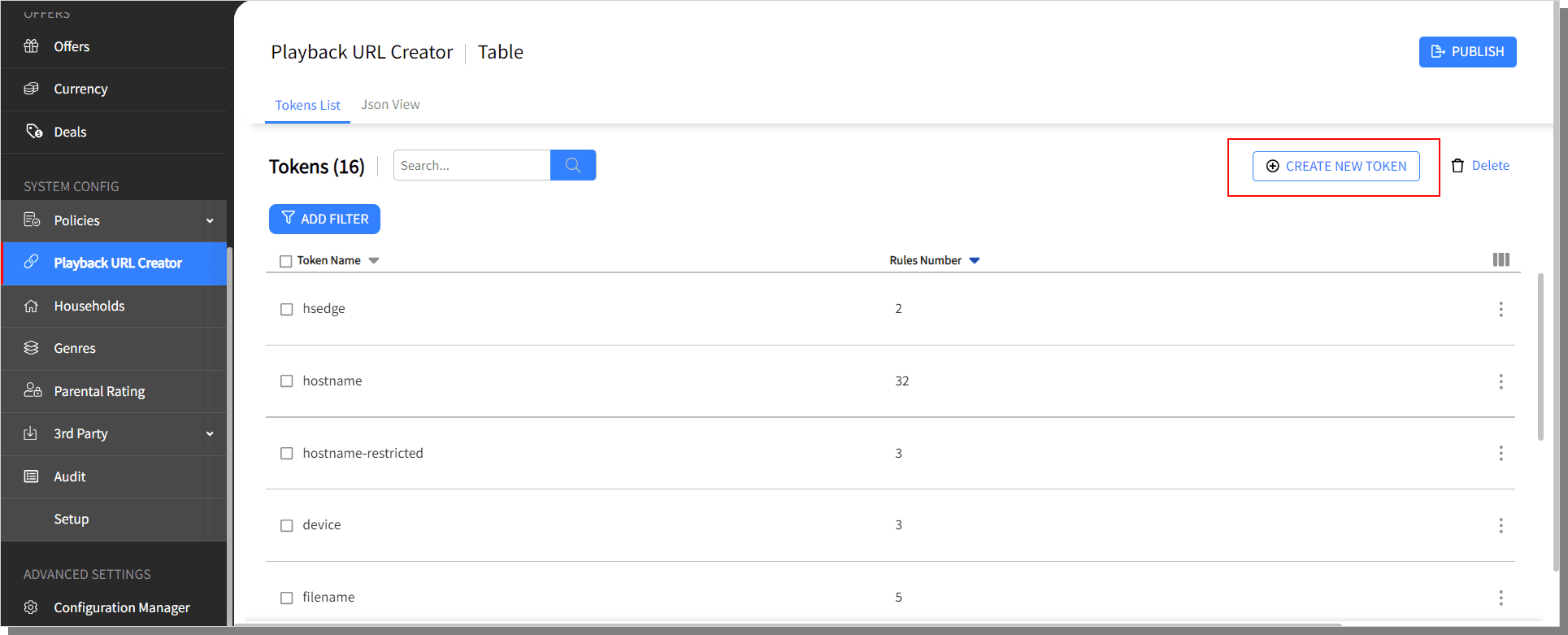
Click on Create New Token button displayed on the Tokens List.
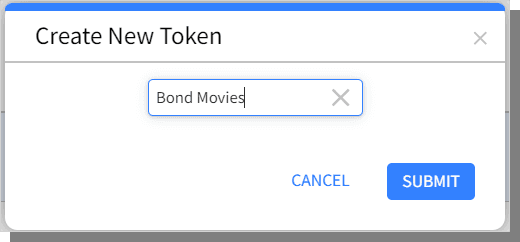
Create New Token pop-up is displayed, enter the Token name and click Submit.
The newly created Token in listed, click on the row to Add Rules.
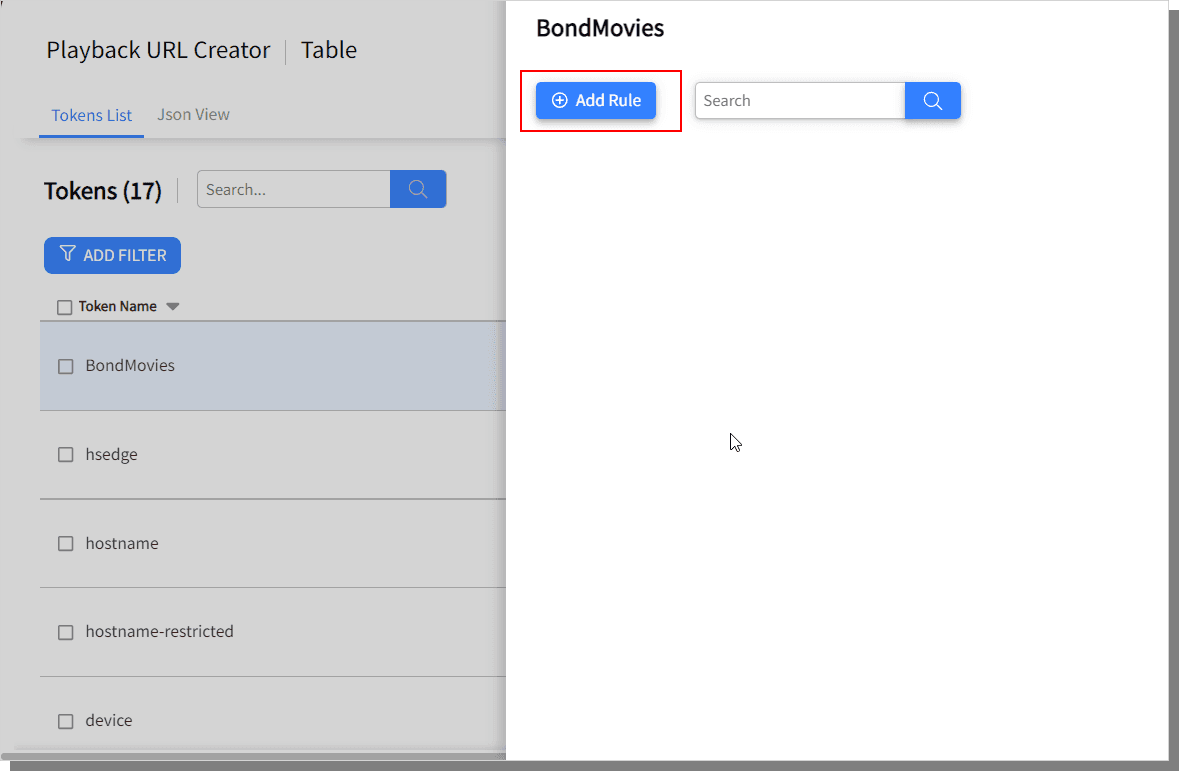
Click on Add Rule.
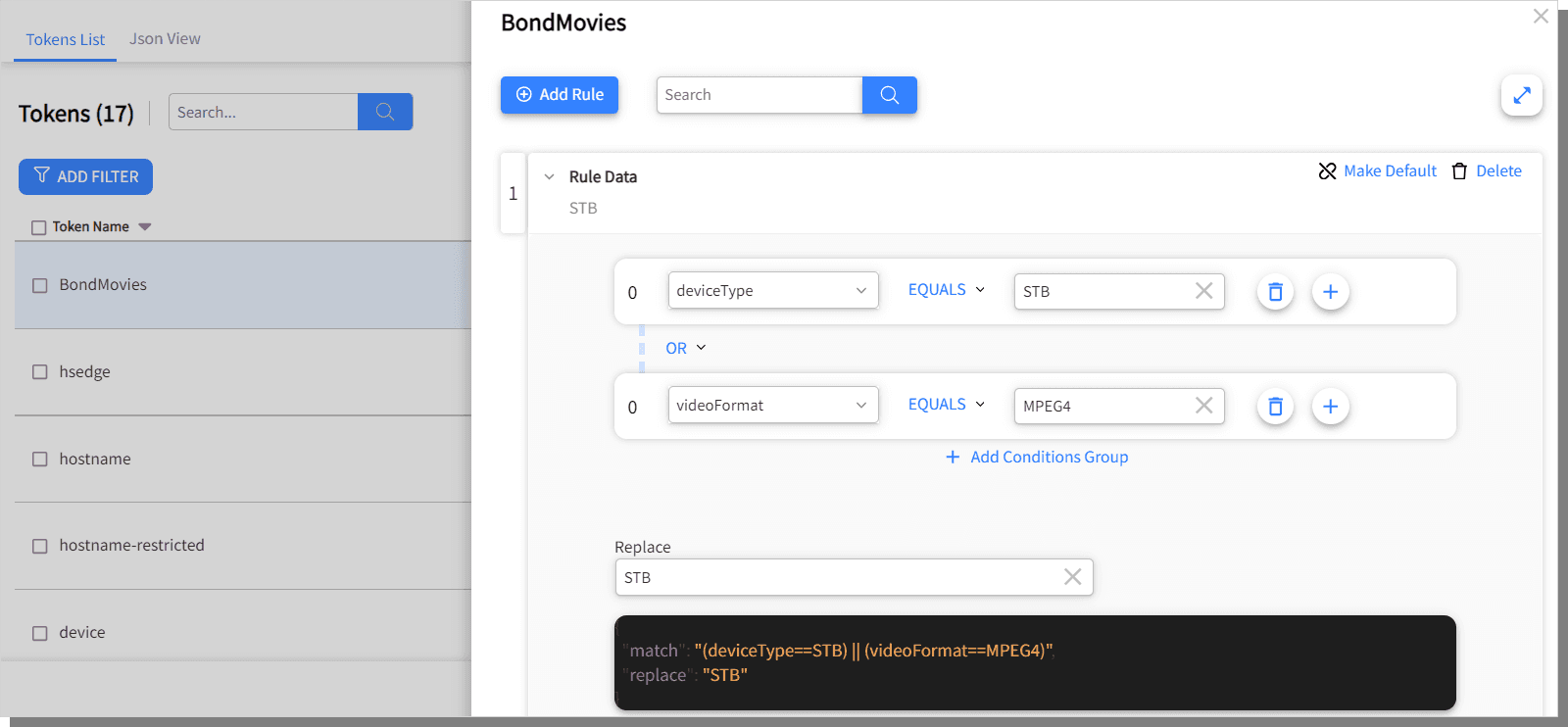
Using the buttons displayed on the right pane, create the rule for the newly created token. The JSON script for the rule is displayed to verify.
Use the delete button on the right-top-corner to delete any condition group or the Delete button displayed with the rule to delete that specific rule.
Once the rule data is completed, click outside the right pane or on the X displayed on the upper right corner.
Click Make Default to use default Rule for the token.
To edit a token, do the following:
From the Token List, click on the button of the token and choose Edit or click on the row of the token to be edited.

The right pane is displayed with the rules of the token. Click on conditions to edit. The changes made are reflected in the JSON script.
Once the rule data is edited as desired, click outside the right pane or on the X displayed on the upper right corner.
To delete a token, from the Token List, click on the button of the token and choose Delete or click on the row of the token to be deleted.

