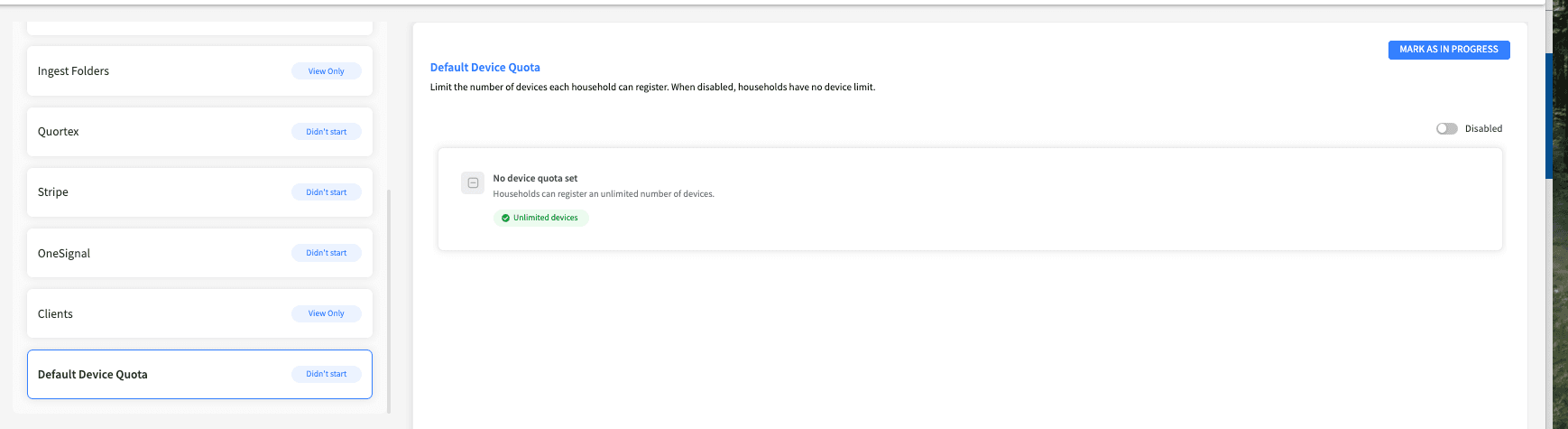
Through the Default Device Quota tab you can limit the number of devices each household can register. When the quota is disabled, households have no device limit.
To configure the default device quota, do the following:
From the left navigation pane of Synamedia Next-Gen Business Operations Console landing page, select System Configuration > Setup.
From the left pane, select Default Device Quota.
Use the toggle to turn the device quota On to enforce a limit, or Off to allow households an unlimited number of devices.
When enabled, set the maximum number of devices per household. The allowed range is between 1 and 7 devices.
Use the edit icon to change the quota value, then save your changes and confirm in the dialog.