


Through Metadata Folders tab you view the access key of the metadata folders.
To view the access the key, do the following:
From the left navigation pane of Synamedia Next-Gen Business Operations Console landing page, select System Configuration > Setup.
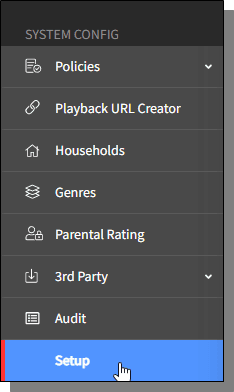
The Setup homescreen is displayed.
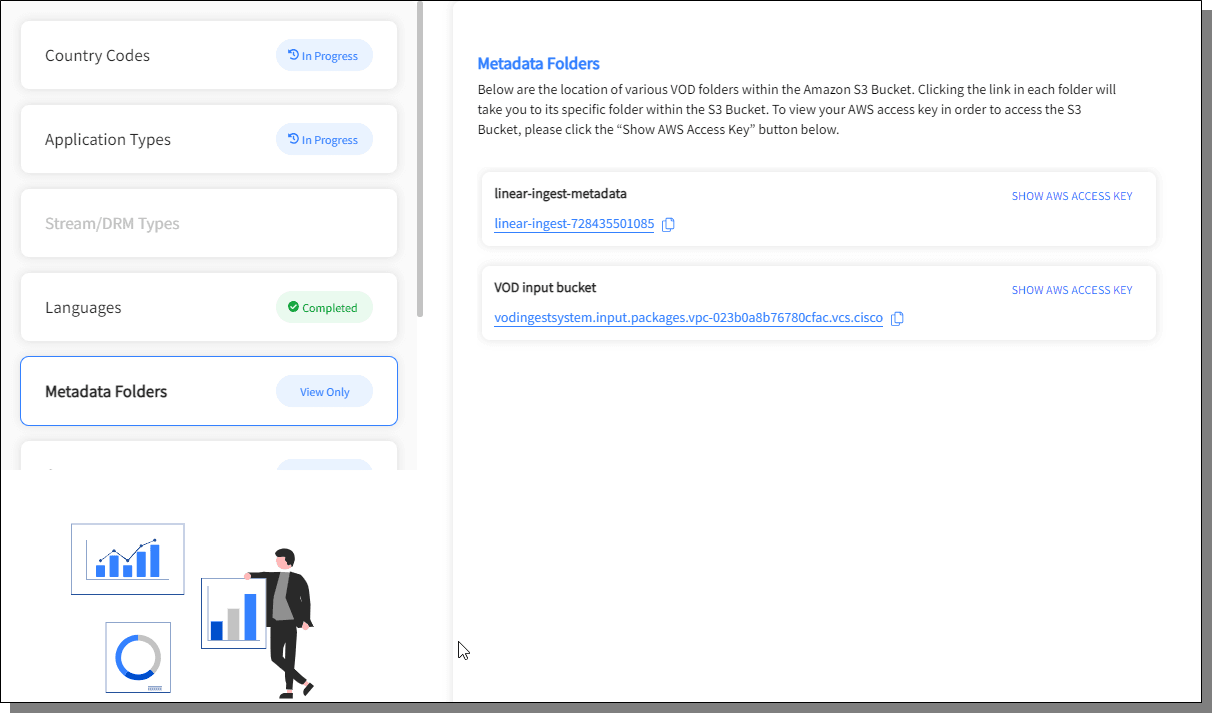
From the left pane, select , the Metadata Folders are listed with the Show Access Key link.
Click on the Show Access Key link to view the access key of the selected Metadata folder.
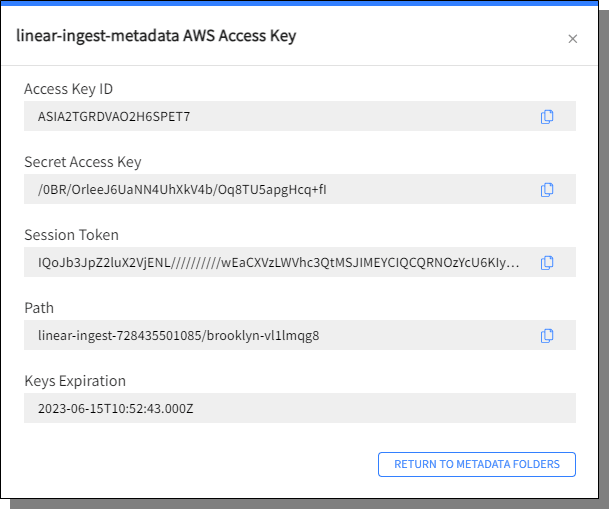
Click Return to Metadata Foldersto dismiss the pop-up.

