


Experience Manager enables adding a Mixed Swimlane within a specified Portal under a Catalog. Swimlanes of various types can be added in Mixed swimlanes.
To add a Mixed Swimlane:
To access the Experience Manager Interface, click on the Experience Manager from Experience main menu in the Synamedia Business Operations Console main landing page.
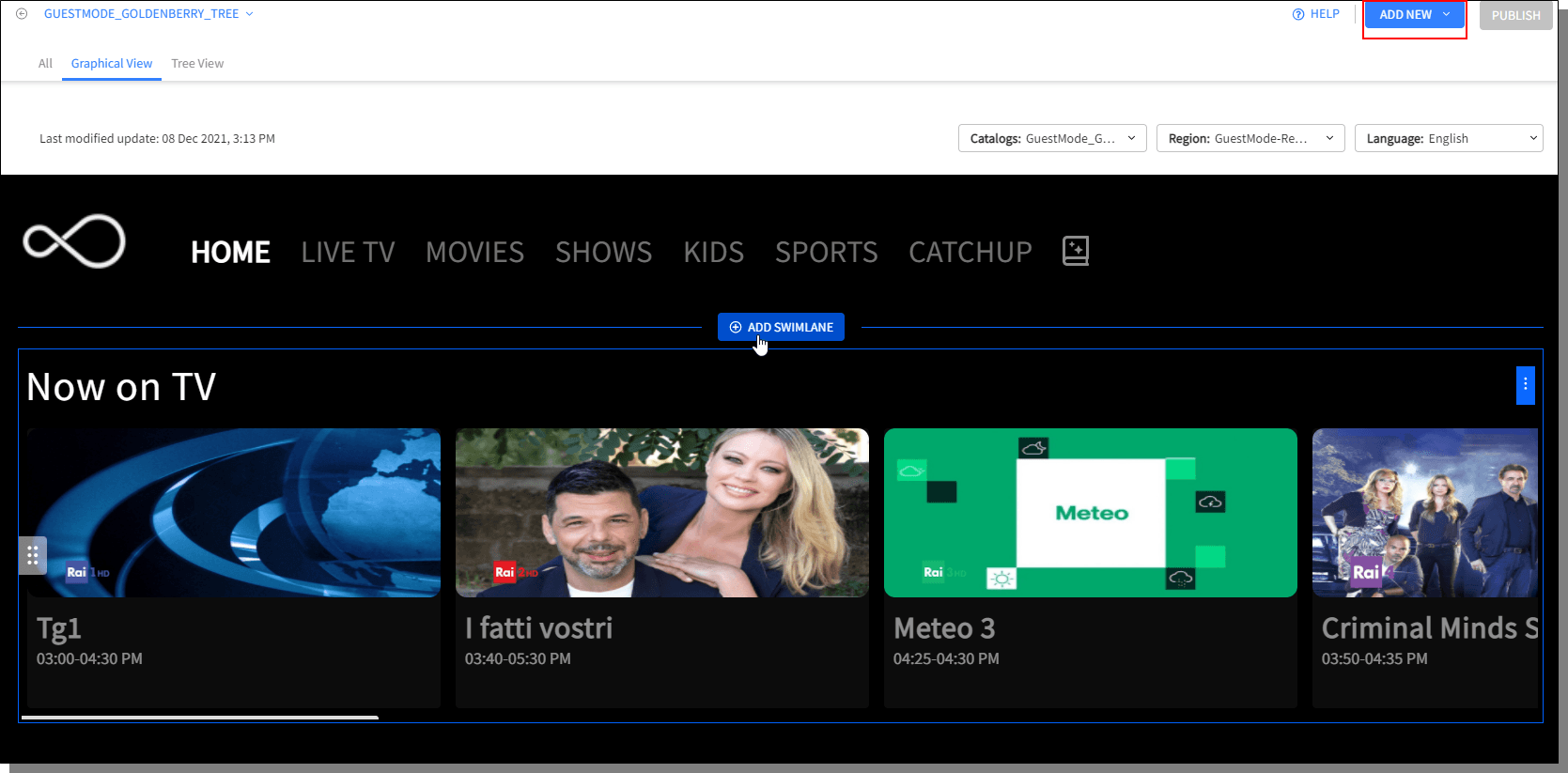
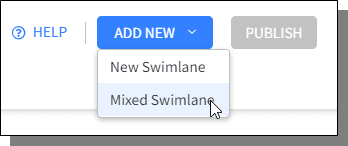
Initiate adding the swimlane by clicking Add New > Mixed Swimlane option displayed on top right corner of the screen.
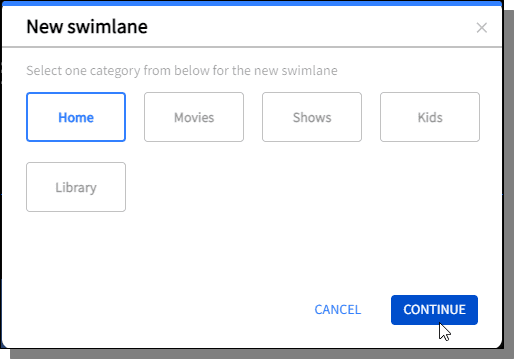
New Swimlane pop-up is displayed to choose the Category in which the new swimlane shall be added. Choose a Category and click Continue.
Adding new Mixed swimlane has three important steps:

