


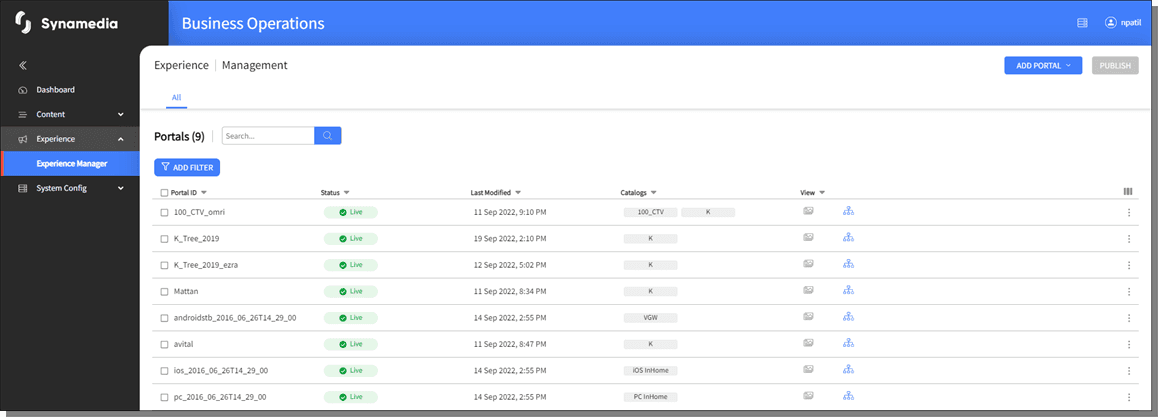
Experience Manager in Synamedia Business Operations Console lists the available Portals, displays the details of the Portal and the user can create new Portals or Publish from this screen. Swimlanes can be added or updated and the overall structure can be updated during run time and the changes can be easily pushed to the users.
To access the Experience Manager Interface, click on the Experience Manager from Experience main menu in the Synamedia Business Operations Console main landing page.
The Experience Manager will not display the hub if the opco (Business Unit) selected by the user does not have classification trees bound to its Business Unit ID. An error saying the same is displayed on launching Experience Manger.
Follow the instructions below to access the information available on the Experience Manager homepage.
Click on the Portal row to view the details of the Portal.
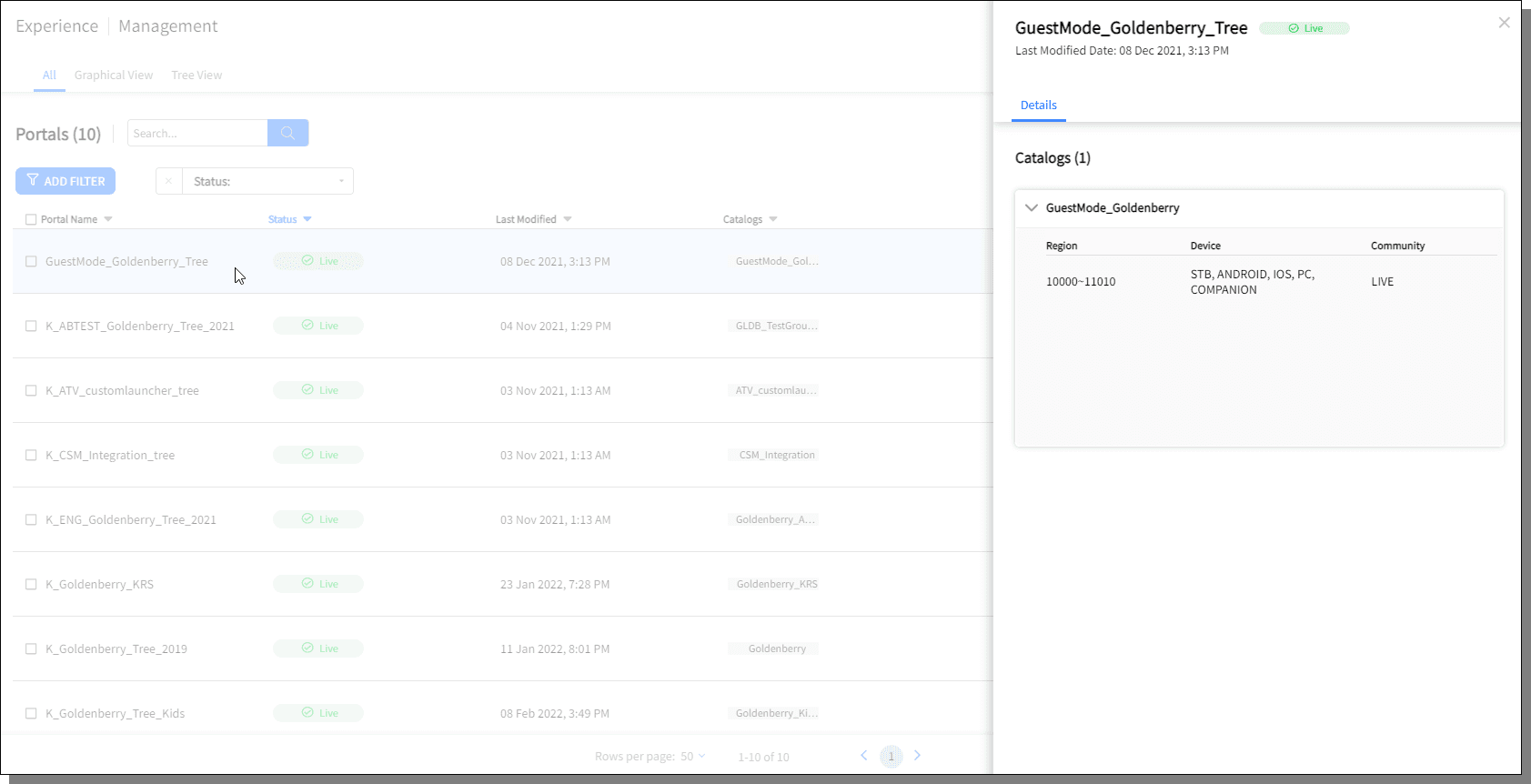
To close the Details view, click on the cross mark displayed on the right top corner or click anywhere outside the Details pane.
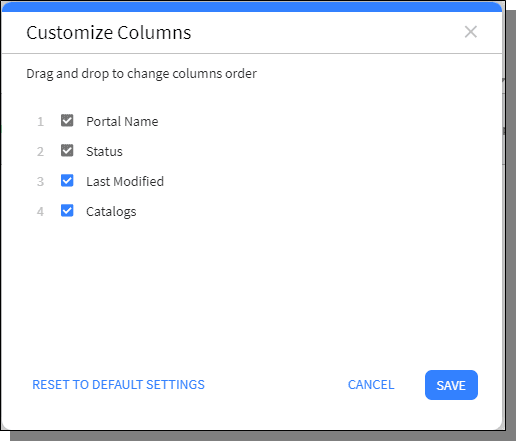
Click on to customize the column order or column display.
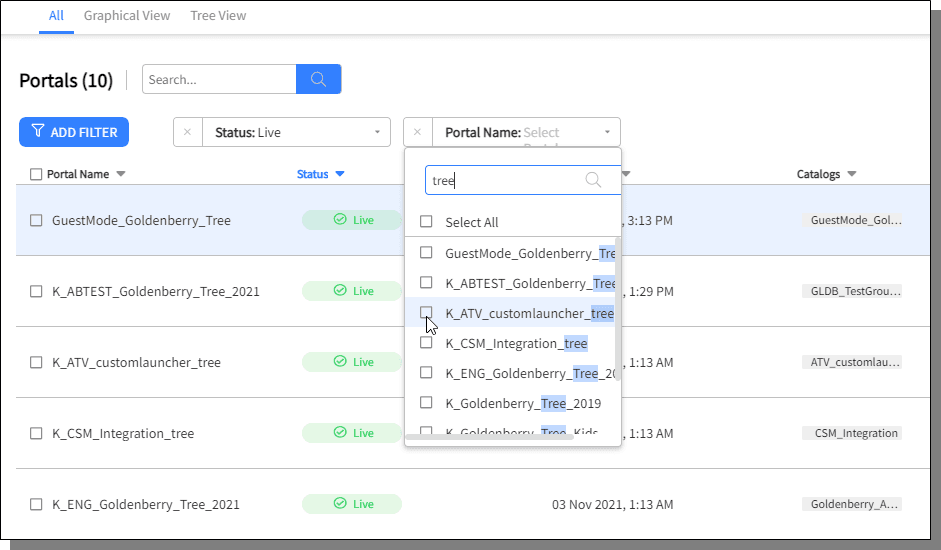
Click on Add Filter button to filter the list of Portals. Following are the filters that can be applied:
Portal Name
Status
Last Modified
Catalogs
Select the check-box of any portal, the delete (bin) icon is displayed with the number of Portals selected on top right corner, press Delete icon to delete the selected Portal.
